Download KNIME Analytics Platform
The official installers for Windows, macOS, and Linux, from the newest release back to 2008. KNIME AG develops KNIME; NodePit is an independent project and only provides the downloads.
Choose Your Download
The newest release is right for most people.
Windows
macOS
Linux
Windows
macOS
Linux
Windows
macOS
Linux
Up and Running in Minutes
Download
Pick the file for your system above. The installers are free and need no account.
Install
Run the installer, open the disk image, or unpack the archive, and start KNIME. It brings its own Java.
Get Inspired
Browse the nodes and workflows on NodePit, and start your own project.
What Is KNIME Analytics Platform?
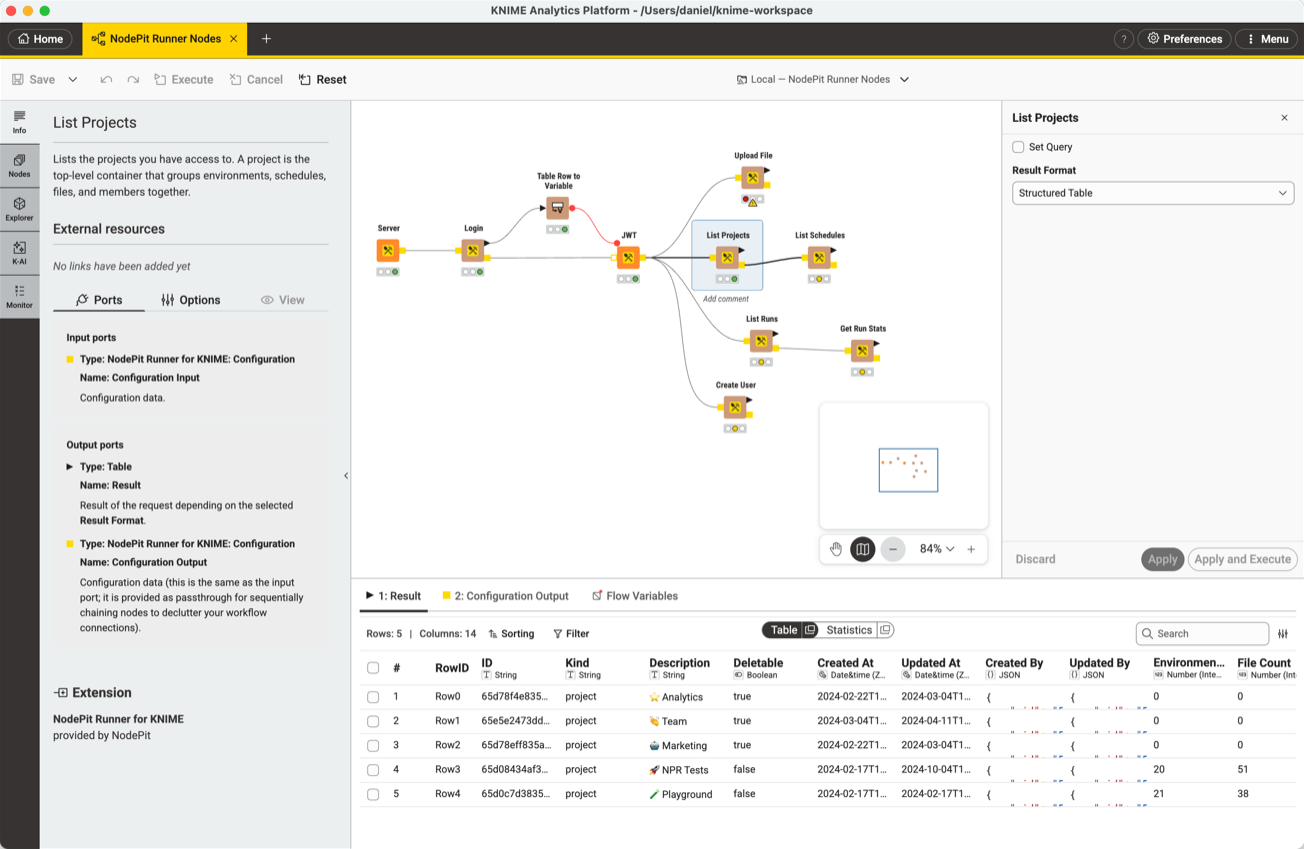
KNIME Analytics Platform lets you build data pipelines visually. Each node does one step — read a file, clean data, train a model, write a report — and you connect them into a workflow. Data scientists use it to work faster, and people who don’t program use it to build what they need themselves.
Development started in 2004 at the University of Konstanz, and the first public release followed in 2006. KNIME AG develops it today. It is written in Java, on top of Eclipse.
Visual Workflows
Drag nodes onto a canvas and connect them, instead of writing code line by line.
Extensible
Thousands of nodes from extensions: databases, Python, R, machine learning, web scraping, and more.
Free and Open Source
Licensed under the GPLv3, for personal and commercial work, without a license fee.
Runs Everywhere
The same workflows on Windows, macOS, and Linux.
18 Years of Releases
Each dot is a release. Point to one for its version, click it for its downloads.
- KNIME 1
- KNIME 2
- KNIME 3
- KNIME 4
- KNIME 5
Find What Goes Into It
NodePit is the search engine for KNIME: nodes, extensions, and workflows, in one place.
Products
Extensions by vendors, free and commercial, and what is inside them.
Nodes
Every node, organized as in the node repository of KNIME, with its ports and options.
Workflows
Public workflows and components to learn from and start with.
Installation Guide
How to install an extension into KNIME, step by step.
Frequently Asked Questions
No. KNIME AG develops KNIME Analytics Platform. NodePit is an independent project: we link to the official installers, and run a search engine for nodes, extensions, and workflows. KNIME is a registered trademark. NodePit is not affiliated with, sponsored by, or endorsed by KNIME AG.
Yes. KNIME Analytics Platform is free and open source, under the GPLv3 license. You can use it for personal and commercial work without a license fee. Some extensions, including a few on NodePit, are commercial.
Yes. The buttons lead to the files which KNIME AG published, the older releases as well. Where KNIME published a checksum, it is next to the download: see below how to check your file with it.
It tells you if the file on your computer is exactly the one KNIME published. A download which broke off or got damaged on the way has a different checksum. Checking it is optional: if the installer starts and KNIME runs, the file was fine.
To check it, compute the checksum of your file and compare it with the one next to the download:
- Windows: in PowerShell,
Get-FileHash -Algorithm MD5 <file> - macOS: in Terminal,
md5 <file> - Linux:
md5sum <file>
If the two differ, delete the file and download it again.
The newest one, unless you have a reason not to. If you need to match an existing installation or a workflow built with an older release, pick its version above, or look it up in the release archive. A line marked LTS gets fixes for longer: see below what that means.
LTS stands for long-term support. KNIME AG supports an LTS release for two years, with bug fixes and security updates, but adds no new features to it: those come with the next LTS release. The other releases only get fixes for critical bugs and vulnerabilities, until the next release replaces them.
Pick an LTS release for a setup which should change as little as possible, for example on a shared server or for workflows which must keep running. Pick the newest release to get the latest features.
A Mac with an M1 chip or newer needs Apple silicon; an older one with an Intel processor needs Intel. The Apple menu › About This Mac shows which one you have.
A .dmg file is a disk image, the usual way to ship apps for the Mac. To install KNIME:
- Double-click the .dmg file in your Downloads folder. A window opens with the KNIME app.
- Drag the app into the Applications folder.
- Eject the disk image: click the eject button next to it in the sidebar of the Finder.
- Start KNIME from Applications or the Launchpad. If macOS asks if you want to open an app downloaded from the internet, click Open.
Afterwards you can delete the .dmg file.
A desktop application for visual data science. You build a workflow by dragging nodes onto a canvas and connecting them: each node reads, cleans, transforms, analyzes, or visualizes data, so you get a working pipeline without writing code. Development started in 2004 at the University of Konstanz; KNIME AG develops it today.
Search for them on NodePit, then install them from within KNIME. The installation guide shows the steps.
Yes. NodePit Batch runs KNIME workflows from the command line on Linux, macOS, and Windows, for free. NodePit Runner adds schedules, monitoring, and teams, in the cloud or on your own servers.
NodePit is an independent project and does not develop KNIME Analytics Platform. KNIME is a registered trademark. NodePit is not affiliated with, sponsored by, or endorsed by KNIME AG.
Need an Older Release?
Every release since 2008, with its downloads and release notes.